EzEnhancer Review
EzEnhancer fixes blur, noise and lighting in photos you upload to the browser. It is the most-visited tool in its category and, by engagement data, the least sticky.
Free: 10 credits a day · Paid from $8/mo · Site-stated
What it does
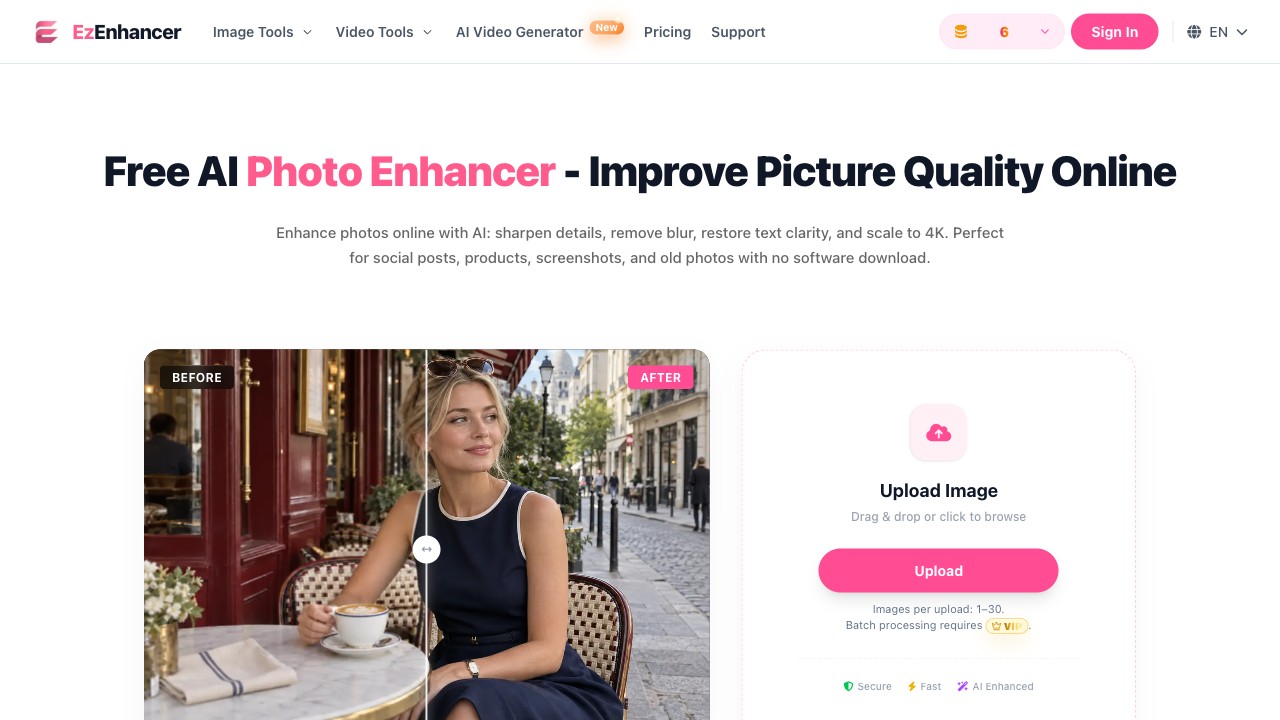
EzEnhancer is a browser-based image enhancer: it sharpens, denoises and rebalances the lighting of photos you upload, rather than making them larger. Enhancing and upscaling are different jobs — if your photo is small, this is the wrong tool. The domain was registered in December 2025; ten months later, SimilarWeb counted roughly 1.48 million visits a month, built on a single product homepage that ranks for enhancer searches. That growth curve is the most interesting verified fact about the tool. (The full feature list and each mode's real performance are not tested yet.)
The free tier
The site's own pricing page states the deal: 10 free credits a day, no account needed to start, PNG/JPG/WEBP support, and downloads "without forced watermarks" while credits remain. Paid plans start at $8 a month (Starter, 200 credits plus a daily free quota), then $25 (1,000 credits) and $45 (2,000 credits); yearly billing takes 25% off. These are the site's numbers, not our test results. Our hands-on test (31 October 2026) filled in the rest: the no-signup flow works end to end — upload, enhance, download, no account ever asked for. Each enhance costs 4 credits, so the 10 daily credits mean roughly two photos a day. A 1024×1024 test photo came back as a 1224×1224 PNG from the free "EModel V1" — a ~1.2× size bump, nowhere near the homepage's "4K" promise, which belongs to the paid tier's marketing. The output had no watermark in any corner. One more number the pricing page doesn't mention: the enhance itself took about three minutes, not the seconds the homepage suggests.
The catch nobody mentions
Among peer image enhancers, EzEnhancer's engagement metrics are the worst of its traffic tier: visits are short and bounce is high. One and a half million people arrive from search every month, and most of them leave almost immediately. The homepage wins rankings; the product doesn't hold attention. Traffic is a fact about SEO, not a verdict about quality — but it is the market's own behavior, and it's the single most important thing to know before you spend time here.
How to use it
Upload a photo, let the enhancer process it, download the result. The site states no account is needed to start; the account exists to sell paid plans, not to gate the tool. Verified in our test: the full loop — upload, enhance, download — completed with zero sign-in prompts. If your problem is size rather than quality, use an upscaler instead — we have a reviewed one in the table below.
What it doesn't do well
It doesn't hold its visitors — see the engagement note above. One limit is stated plainly on its pricing page: batch processing belongs to the paid plans, so the free tier is a single-image-at-a-time tool. One we measured ourselves: free enhances are slow — about three minutes from click to download in our test, versus the "seconds" its homepage sells. (Old-photo restoration is not tested yet.) For verified quality-first picks, see our guide to free tools that actually improve image quality.
Who it's for
A one-shot enhance, where uploading once and judging the result costs you two minutes and nothing else. If you process images weekly or for client work, the unverified limits matter more than the fast homepage — pick from the alternatives table until our tested numbers are in.